Task Manager Dashboard
Task Manager Dashboard
Project Overview
Project Name: Task Manager Dashboard – Student Productivity Tool
Type: Web Dashboard (Single Page)
Role: UI/UX Designer
Tools Used: Figma
Made By:
Ajay
Ajay

Problem Statement
Students often struggle to manage their academic tasks, leading to missed deadlines and poor time management. Many existing tools are either overly complex or lack proper reminder systems. This project focuses on designing a clean, simple dashboard where students can add tasks, set deadlines, receive timely notifications, and track task progress in an intuitive way.
Goals & Objectives
Goals:
Help students stay on top of their academic and personal tasks.
Provide a minimal yet functional interface for easy task management.
Encourage productivity through reminders and status tracking.
Objectives:
Design a single-page dashboard for quick task creation and tracking.
Allow users to set deadlines and receive notifications before and during the task period.
Enable marking tasks as Completed, Pending, or Overdue.
Keep the design clutter-free to help students focus on their tasks.

Research Process
Methods:
Interviews with 5 students on how they manage deadlines.
Analysis of popular task management tools like Todoist, Trello, and Google Tasks.
Key Findings:
Students want quick task entry without too many steps.
Reminders before and near deadlines are essential.
A clean, distraction-free interface helps focus.
Design Thinking Approach
Empathize: Understood the pain points of student time management.
Define: Need for a minimal dashboard with effective reminders.
Ideate: Sketched layouts focusing on quick task entry and status updates.
Prototype: Built high-fidelity designs in Figma.
Test: Collected feedback to refine button placement and notification prompts.
User Persona
Name | Aditya Singh |
|---|---|
Age | 21 |
Location | Bhopal, India |
Description | A college student balancing academics, extracurricular activities, and part-time work who needs a reliable tool to keep track of deadlines. |
User Goals | • Quickly add tasks and set deadlines • Get timely reminders • Track task status easily |
Frustrations | • Forgetting deadlines • Overcomplicated task apps • No clear progress tracking |
Usage Frequency | Daily |
Tech Comfort | High |
Device Usage | Laptop (70%) & Mobile (30%) |
User Journey Map
Stage 1 – Adding a Task
Aditya clicks “Add Task,” enters details, selects a deadline, and saves.
Design Opportunity: Keep the form short and easy to fill out.
Stage 2 – Getting Notifications
He receives a reminder when the task is about to start and another before it’s due.
Design Opportunity: Smart, non-intrusive notifications to keep users on track.
Stage 3 – Tracking Progress
On the dashboard, tasks are color-coded by status (Completed, Pending, Overdue).
Design Opportunity: Visual indicators for task priority and status.
Stage 4 – Completing a Task
He marks the task as “Completed” and sees his progress update instantly.
Design Opportunity: Instant visual feedback for motivation.

Final Design & Features
One-click task creation.
Deadline-based notifications.
Status tracking with color-coded labels.
Minimal, distraction-free layout.
Outcomes & Impact
Students reported improved task completion rates in testing.
Reduced missed deadlines due to timely reminders.
Positive feedback on simplicity and usability.
Conclusion
The Task Manager Dashboard helps students take control of their schedules by making task creation and tracking effortless. With its clean design, smart reminders, and simple status system, it improves productivity and reduces missed deadlines.
Recent Designs
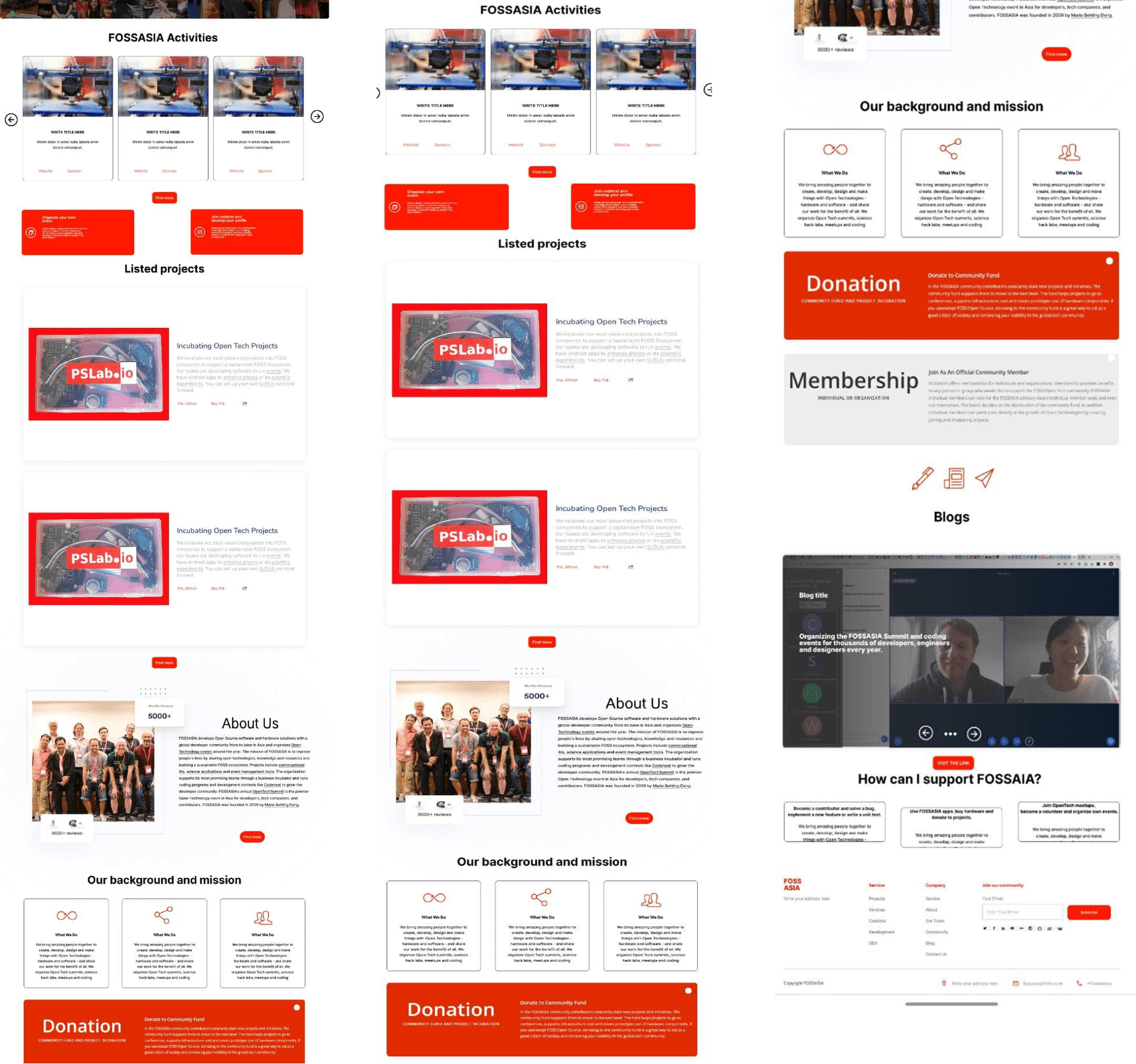

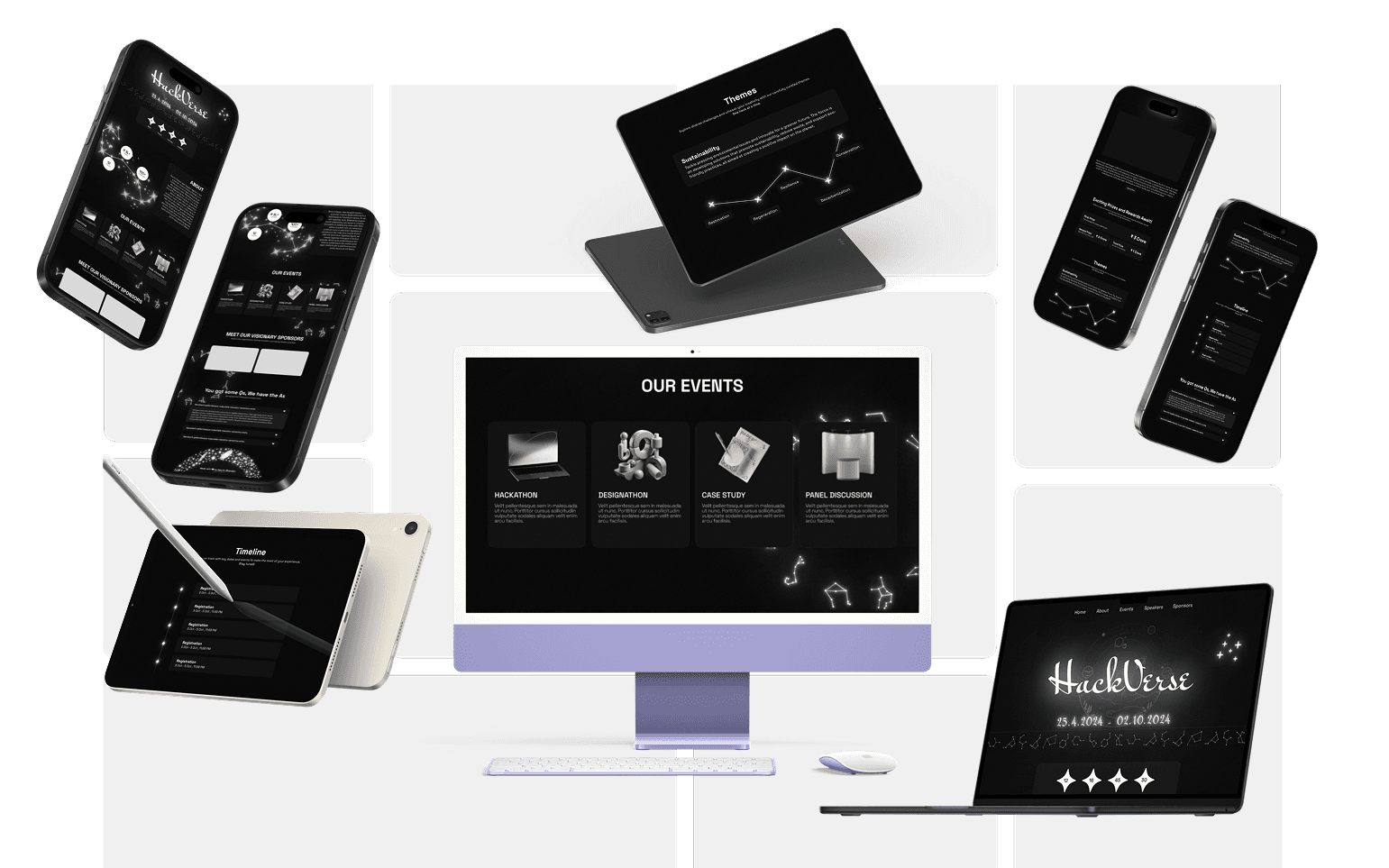
Recent Designs
Recent Designs
Let's Connect
Passionate about crafting user experiences.
Ready to join your team
Phone
+91 82876 93428
aajaykrbhandari@gmail.com
Let's Connect
Passionate about crafting user experiences.
Ready to join your team
Phone
+91 82876 93428
aajaykrbhandari@gmail.com
Let's Connect
Passionate about crafting user experiences.
Ready to join your team
Phone
+91 82876 93428
aajaykrbhandari@gmail.com
Task Manager Dashboard
Task Manager Dashboard
Project Overview
Project Name: Task Manager Dashboard – Student Productivity Tool
Type: Web Dashboard (Single Page)
Role: UI/UX Designer
Tools Used: Figma
Made By:
Ajay
Ajay
Problem Statement
Students often struggle to manage their academic tasks, leading to missed deadlines and poor time management. Many existing tools are either overly complex or lack proper reminder systems. This project focuses on designing a clean, simple dashboard where students can add tasks, set deadlines, receive timely notifications, and track task progress in an intuitive way.
Goals & Objectives
Goals:
Help students stay on top of their academic and personal tasks.
Provide a minimal yet functional interface for easy task management.
Encourage productivity through reminders and status tracking.
Objectives:
Design a single-page dashboard for quick task creation and tracking.
Allow users to set deadlines and receive notifications before and during the task period.
Enable marking tasks as Completed, Pending, or Overdue.
Keep the design clutter-free to help students focus on their tasks.
Research Process
Methods:
Interviews with 5 students on how they manage deadlines.
Analysis of popular task management tools like Todoist, Trello, and Google Tasks.
Key Findings:
Students want quick task entry without too many steps.
Reminders before and near deadlines are essential.
A clean, distraction-free interface helps focus.
Design Thinking Approach
Empathize: Understood the pain points of student time management.
Define: Need for a minimal dashboard with effective reminders.
Ideate: Sketched layouts focusing on quick task entry and status updates.
Prototype: Built high-fidelity designs in Figma.
Test: Collected feedback to refine button placement and notification prompts.
User Persona
Name | Aditya Singh |
|---|---|
Age | 21 |
Location | Bhopal, India |
Description | A college student balancing academics, extracurricular activities, and part-time work who needs a reliable tool to keep track of deadlines. |
User Goals | • Quickly add tasks and set deadlines • Get timely reminders • Track task status easily |
Frustrations | • Forgetting deadlines • Overcomplicated task apps • No clear progress tracking |
Usage Frequency | Daily |
Tech Comfort | High |
Device Usage | Laptop (70%) & Mobile (30%) |
User Journey Map
Stage 1 – Adding a Task
Aditya clicks “Add Task,” enters details, selects a deadline, and saves.
Design Opportunity: Keep the form short and easy to fill out.
Stage 2 – Getting Notifications
He receives a reminder when the task is about to start and another before it’s due.
Design Opportunity: Smart, non-intrusive notifications to keep users on track.
Stage 3 – Tracking Progress
On the dashboard, tasks are color-coded by status (Completed, Pending, Overdue).
Design Opportunity: Visual indicators for task priority and status.
Stage 4 – Completing a Task
He marks the task as “Completed” and sees his progress update instantly.
Design Opportunity: Instant visual feedback for motivation.
Final Design & Features
One-click task creation.
Deadline-based notifications.
Status tracking with color-coded labels.
Minimal, distraction-free layout.
Outcomes & Impact
Students reported improved task completion rates in testing.
Reduced missed deadlines due to timely reminders.
Positive feedback on simplicity and usability.
Conclusion
The Task Manager Dashboard helps students take control of their schedules by making task creation and tracking effortless. With its clean design, smart reminders, and simple status system, it improves productivity and reduces missed deadlines.
Recent Designs
Recent Designs
Recent Designs
Let's Connect
Passionate about crafting user experiences.
Ready to join your team
Phone
+91 82876 93428
aajaykrbhandari@gmail.com
Let's Connect
Passionate about crafting user experiences.
Ready to join your team
Phone
+91 82876 93428
aajaykrbhandari@gmail.com
Let's Connect
Passionate about crafting user experiences.
Ready to join your team
Phone
+91 82876 93428
aajaykrbhandari@gmail.com